
Observe, suggest, autopilot: how much may an agent do?
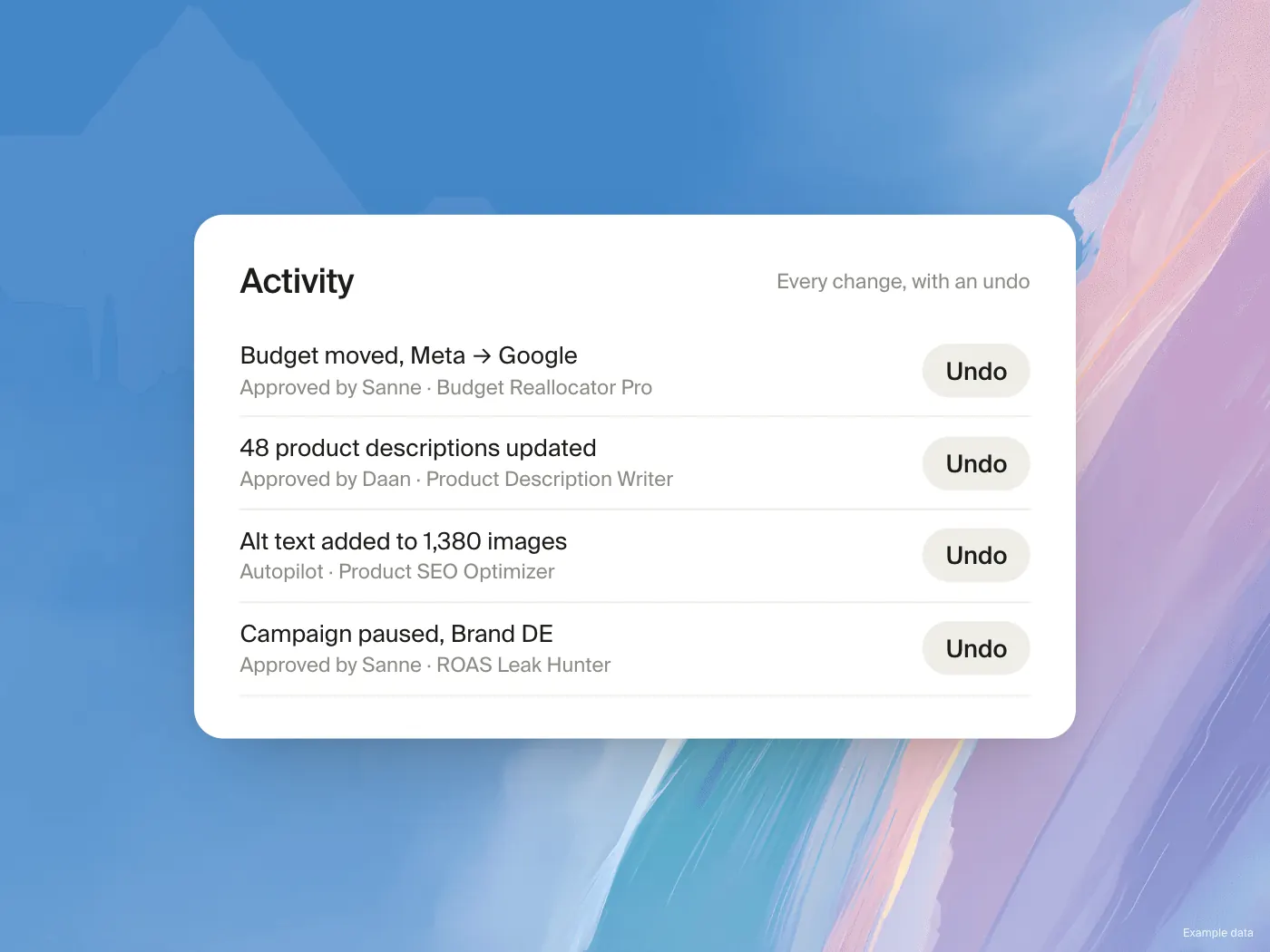
Trust in automation is built in steps. Commerce365 has three autonomy levels so you can choose per agent how far it may go.
Observe
The agent reads and reports. It changes nothing. Use this for briefings, audits and anything where you only want to know.
Suggest
The agent prepares changes and puts every one of them in your inbox. This is the right default for anything that touches budgets, customers or what shoppers see.
Autopilot
The agent applies small, safe edits by itself, such as tags, metafields and alt text. Everything with real impact still waits for approval: deletes, bulk operations, discounts, refunds, sends, campaigns and overwrites of titles, descriptions, SEO fields and prices. Only owners and admins can switch an agent to Autopilot.
Limits on top
Per agent you can allow or block categories of actions and set a cap on how far a budget may move in one step. Per connector you can choose read only, read and write, or blocked.
A sensible order
Start every new agent on Suggest
Approve by hand for two weeks and note what you never reject
Move only that kind of work to Autopilot