
How to run your first Commerce365 agent
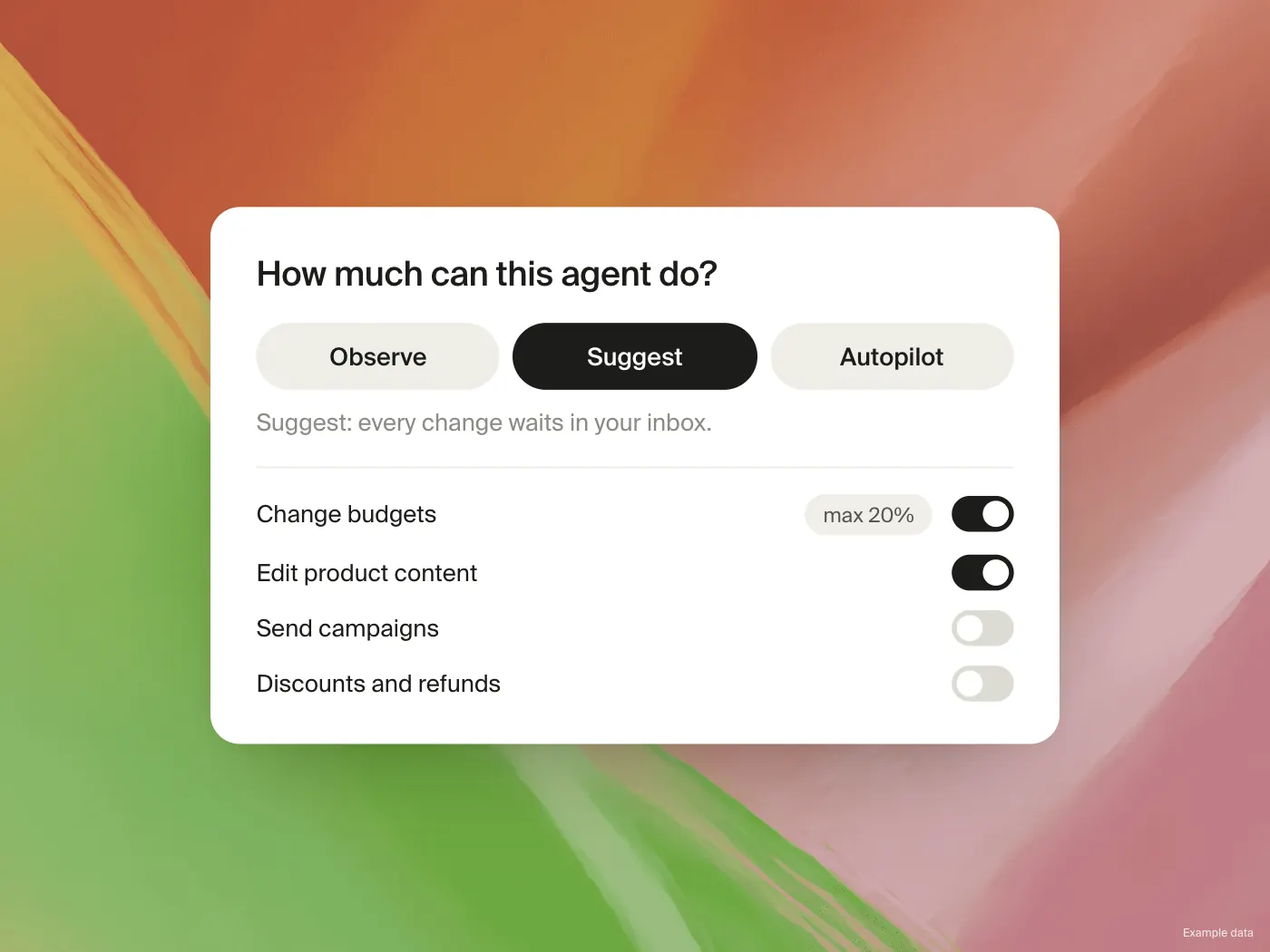
The quickest way to judge an agent is to give it a job you already know the answer to. Here is a first run that takes one sitting.
1. Connect
Install Commerce365 from the Shopify App Store and connect your store. Add one more platform, for example Meta Ads or Klaviyo, so the agent has something to compare.
2. Pick a playbook
Open the gallery and choose a playbook that matches a weekly task. Weekly CEO Briefing is a safe first choice because it only reports. If you want to see proposals, try ROAS Leak Hunter or Product SEO Optimizer.
3. Set it to Suggest
In Suggest mode every change waits in your inbox. Nothing is applied until you approve, so you can look at what the agent would do without any risk.
4. Run now
Use Run now instead of waiting for the schedule. The run shows what the agent read, what it found and what it proposes.
5. Judge the output
Compare the result with what you would have concluded yourself. Adjust the instruction where it misses your context, such as your margin target or how you name campaigns. Tell chat to remember those things so every agent can use them.
When the output is what you would have done, give the agent a schedule.