🚀 Commerce365 agents monitor your store 24/7 — Shopify, Klaviyo, Meta & Google Ads in one AI dashboard. Explore Tiles

🚀 Commerce365 agents monitor your store 24/7 — Shopify, Klaviyo, Meta & Google Ads in one AI dashboard. Explore Tiles

🚀 Commerce365 agents monitor your store 24/7 — Shopify, Klaviyo, Meta & Google Ads in one AI dashboard. Explore Tiles

Connect Klaviyo to Commerce365: step-by-step setup guide

Connecting Klaviyo is the first step to unlocking email and SMS insights inside Commerce365. Once connected, the AI can answer questions like "Which flow generated the most revenue last month?" or "What's my welcome series open rate?" — straight from your data.

STEP 01 — What you'll need before you start
To connect Klaviyo you'll need:

  • An active Klaviyo account (any plan)

  • Admin access in Commerce365

  • Admin access in Klaviyo to approve the connection

No API keys or copy-pasting required — Commerce365 connects securely through Klaviyo's OAuth authorization flow.

STEP 02 — Connect Klaviyo in Commerce365
Inside Commerce365, go to Settings → Integrations and click Connect on the Klaviyo card. You'll be redirected to Klaviyo's secure authorization screen. Review the permissions Commerce365 requests and click Allow. Klaviyo sends you straight back to Commerce365 and the connection is established — no API key needed. You'll see a green "Connected" badge next to the Klaviyo logo. If you click Cancel instead, Commerce365 lets you know the permissions weren't granted and you can restart the connection at any time.

STEP 03 — Select your Klaviyo account
If your organization manages more than one Klaviyo account, Commerce365 asks which account you'd like to connect. Pick the account and you're done. Managing several brands? You can connect additional Klaviyo accounts later from the same Integrations page — Commerce365 keeps each account's data separate.

STEP 04 — Ask the AI about your performance
Your Klaviyo data is now available to the AI. Head to the Commerce365 AI chat and ask things like:

  • "Which email campaign had the highest click rate last quarter?"

  • "How much revenue did my welcome flow generate in May?"

  • "Compare my abandoned cart flow performance to last month"

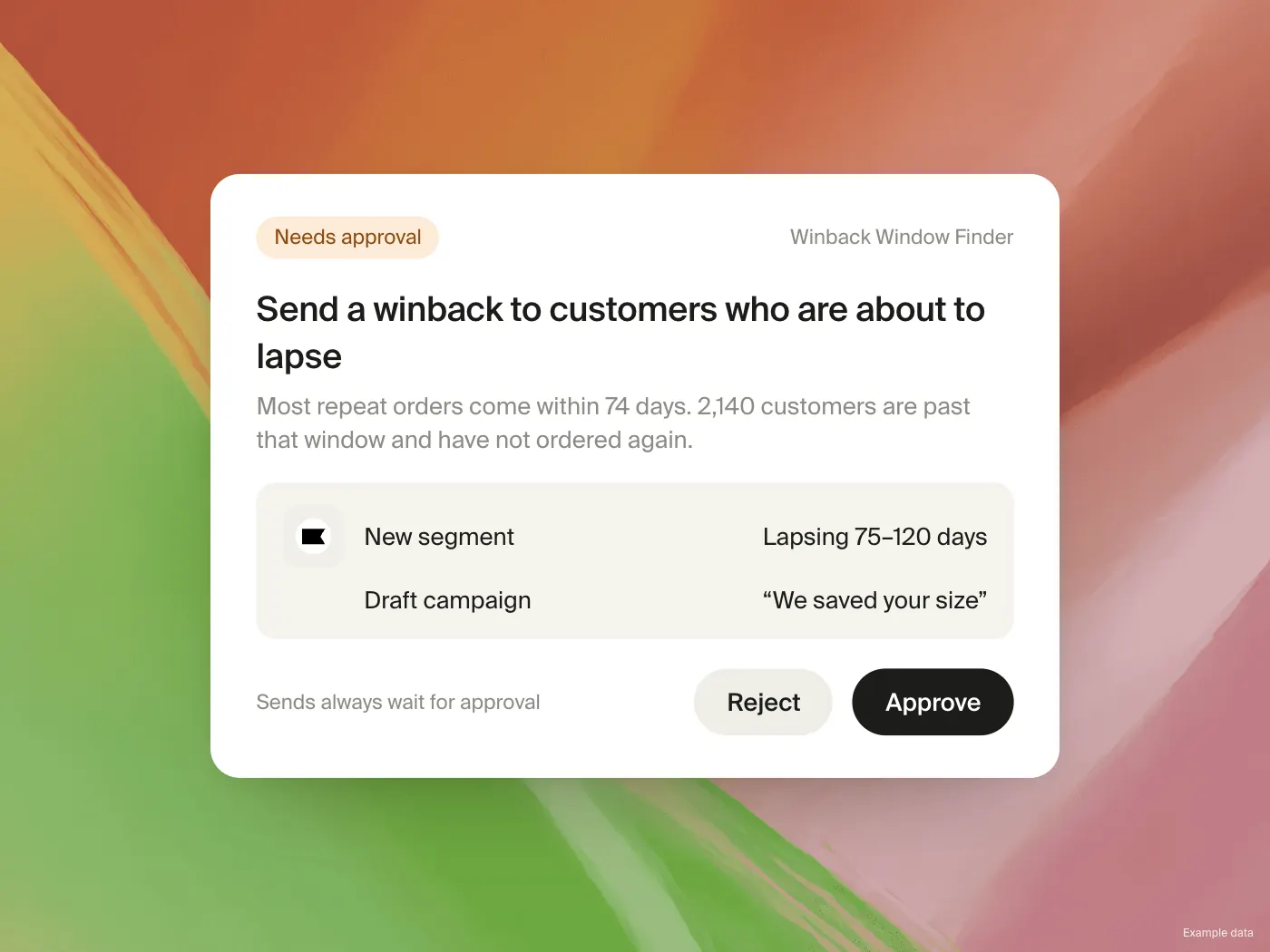
The AI pulls live from your Klaviyo data and answers in plain language — no dashboards or manual exports needed. You can also enable AI agents that monitor performance and act with your approval.

Keep in the loop

Monthly updates • No spam ever

Keep in the loop

Monthly updates • No spam ever

Keep in the loop

Monthly updates • No spam ever

Background

© 2026 Commerce365